Timers that follow your shift
AlertRN keeps the tasks that repeat through a shift tied to the bed or chair they belong to, on your iPhone and your Apple Watch.
What AlertRN does
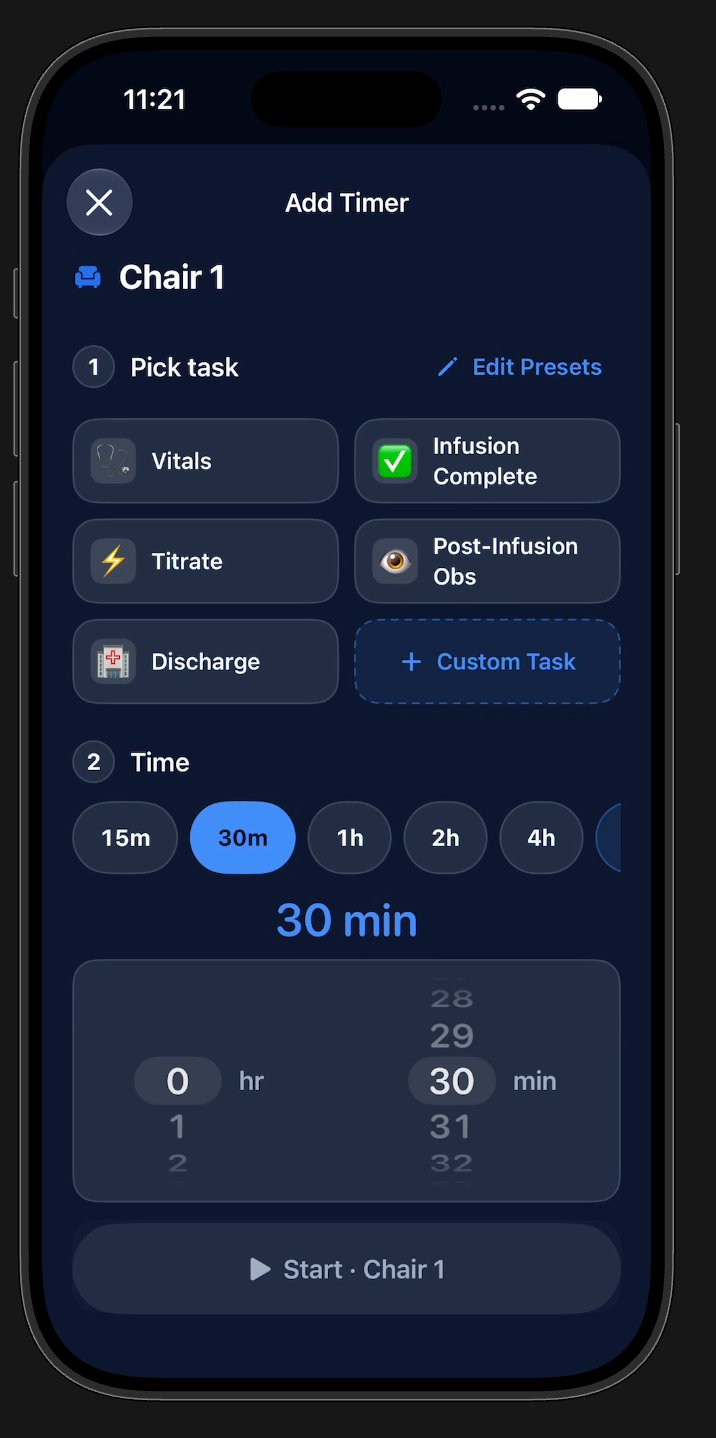
A card for every bed
Add your beds or chairs for the shift and each one gets its own card of timers, in its own colour.
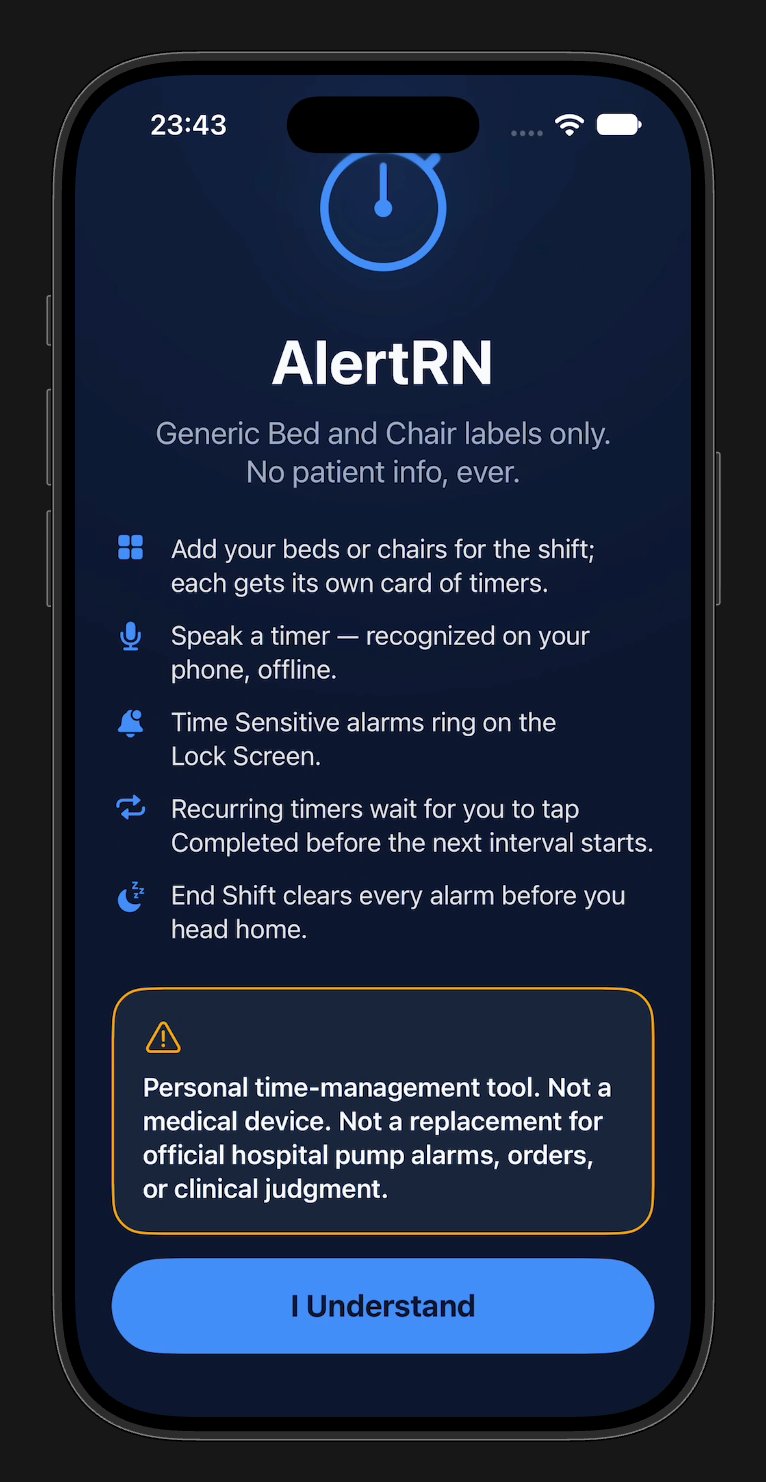
Labels only
Use generic labels like 114 or 4B, or add a range like 1-6. No patient info, ever.
Speak a timer
Say what you need and AlertRN sets it up. Speech is recognised on your phone, offline.
Alarms on the Lock Screen
Time Sensitive alarms ring on the Lock Screen, so you hear them even with your phone locked.
Repeats that wait for you
A recurring timer waits for you to tap Completed before the next interval starts.
End Shift
One tap clears every alarm before you head home.